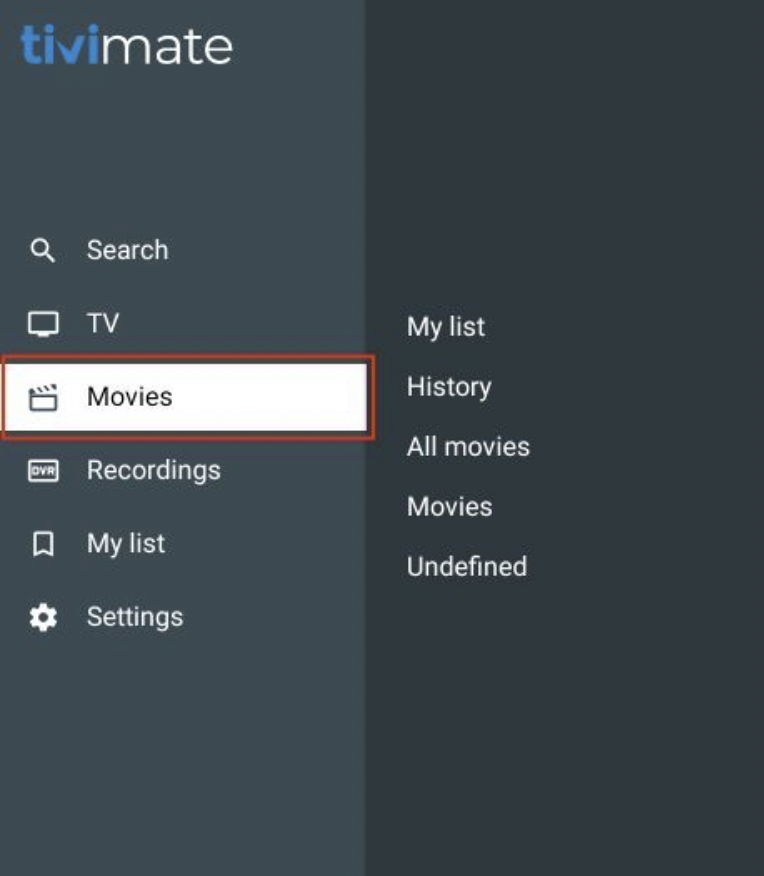
Firestick Tivimate
To install the ZAK TV Player, you will need to enable the option "Apps from Unknown Sources."
Refer to Prerequisite 1 for detailed instructions.
For all other Android devices, you will not need to enable "Apps from Unknown Sources" as described in Prerequisite 1.
Refer to Prerequisite 2 for detailed instructions on downloading and installing the app.
This guide applies to all new Fire TV devices running OS versions 7.2.8.5 and later, where Amazon has removed/hidden Developer Options.
Let's Get Started
-
Type
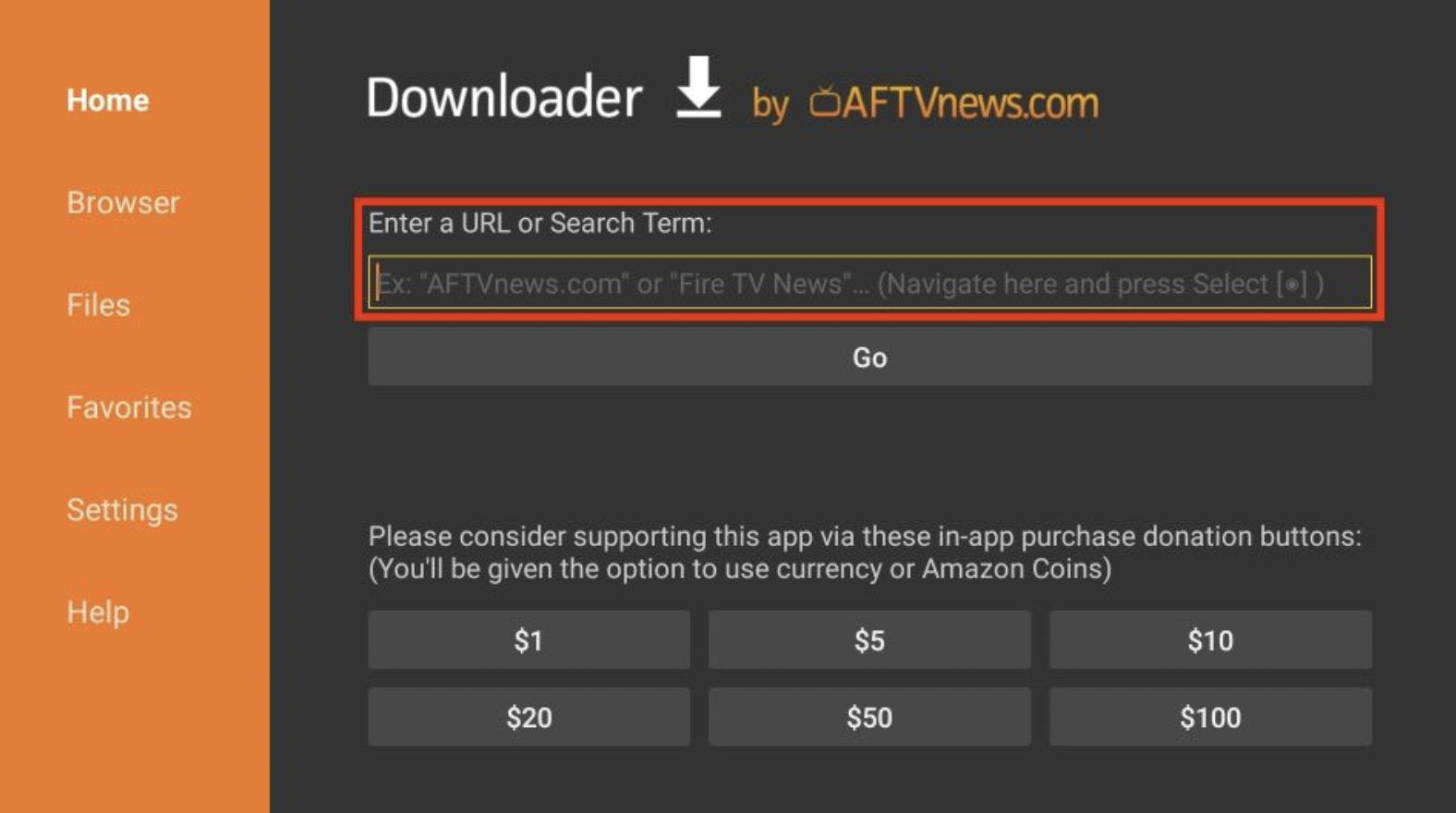
firesticktricks.com/tiviin Downloader's Enter a URL or Search Term field.
-
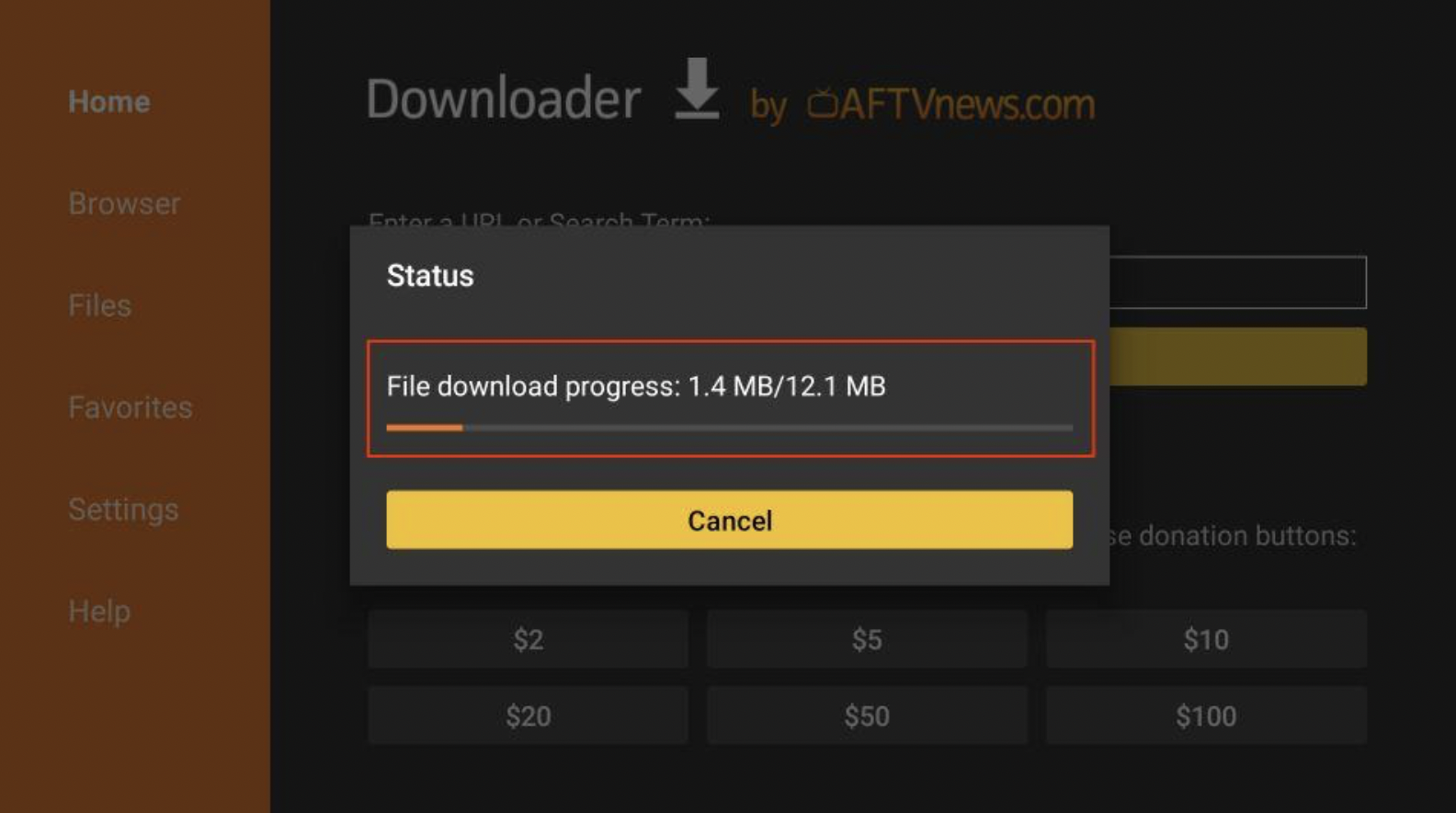
Downloader will install the latest TiviMate APK onto your FireStick. It’s about 12MB.
-
Click Install when prompted.

-
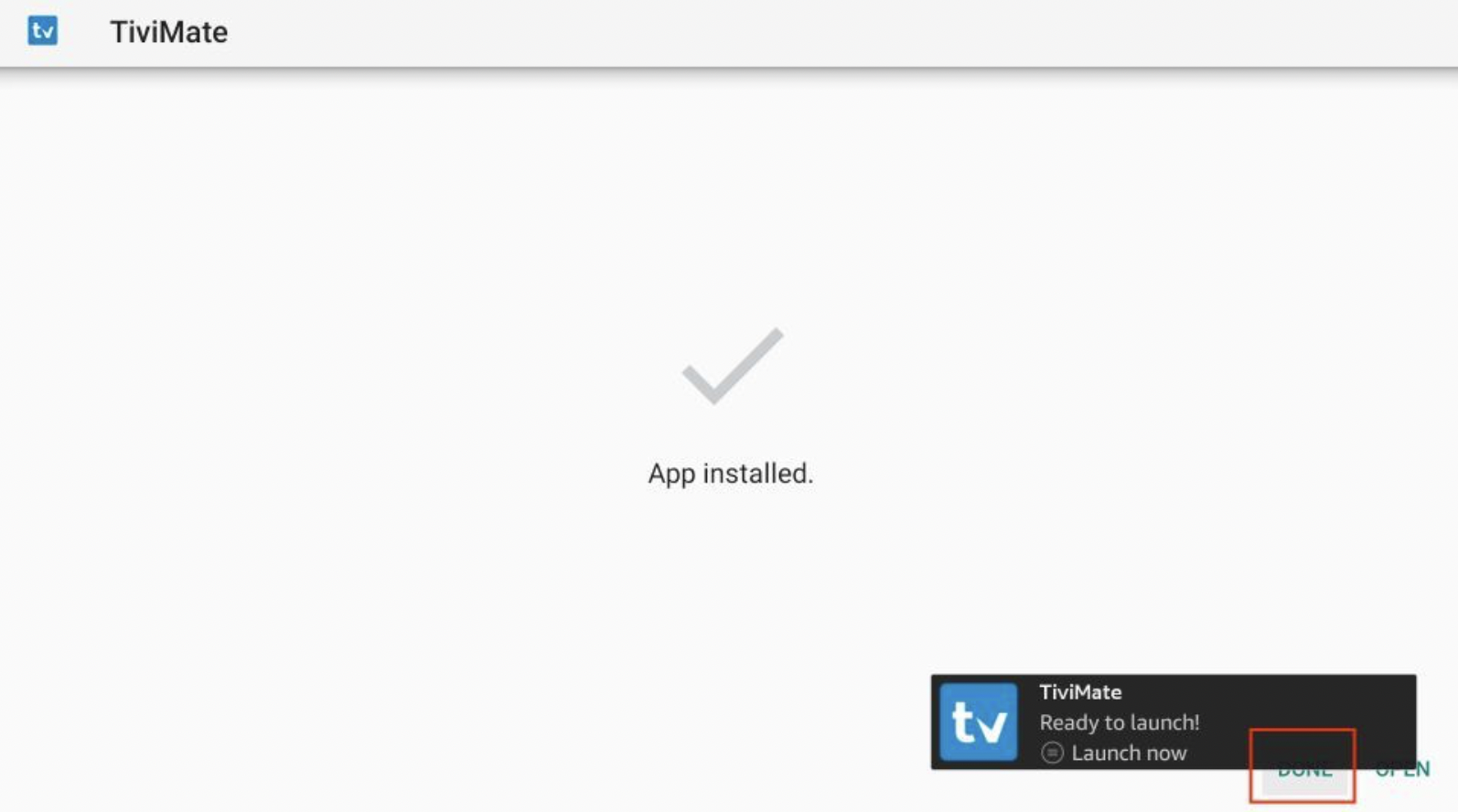
Hit DONE when the TiviMate installation is completed.
-
After installation, click Delete to remove the TiviMate APK from your device.
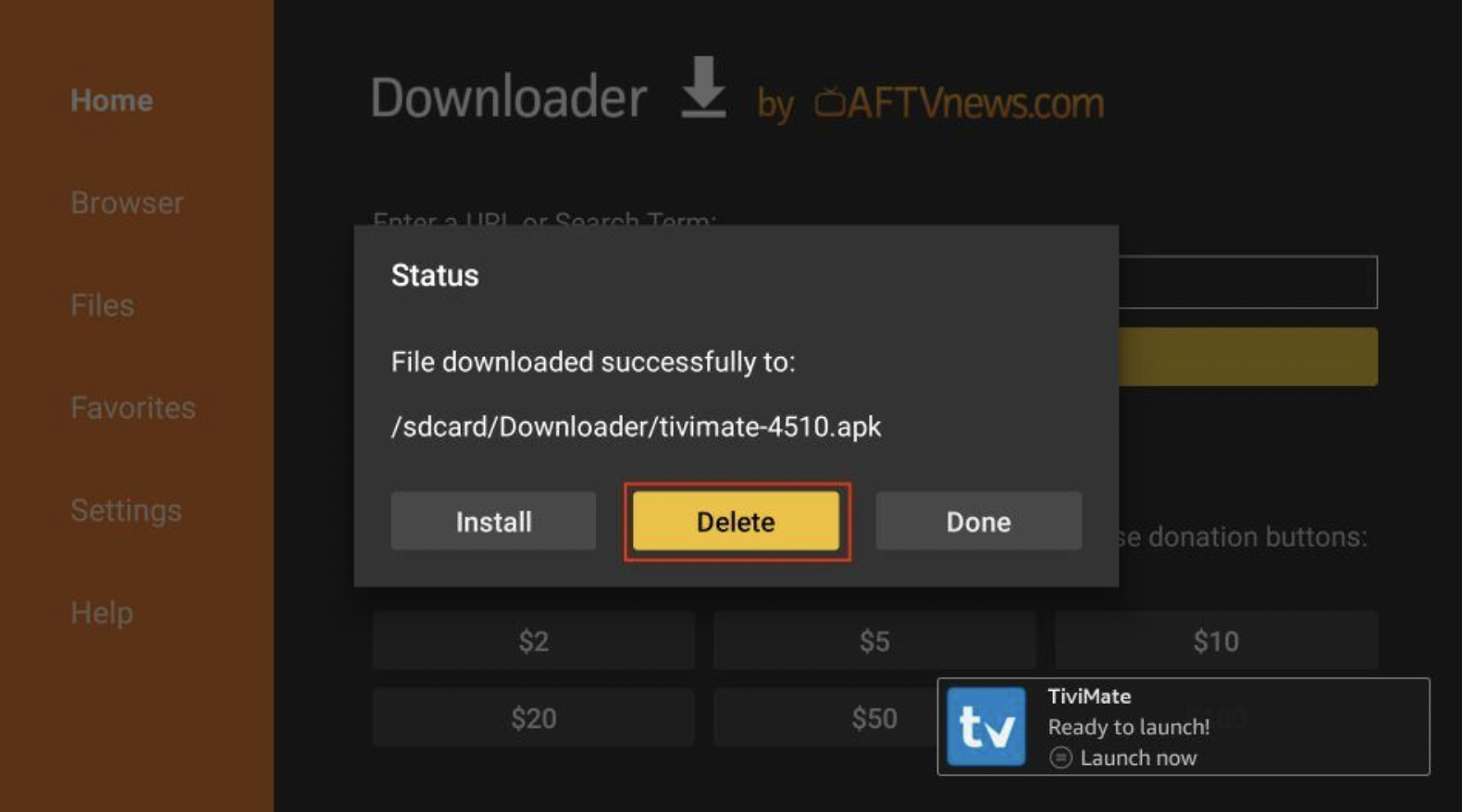
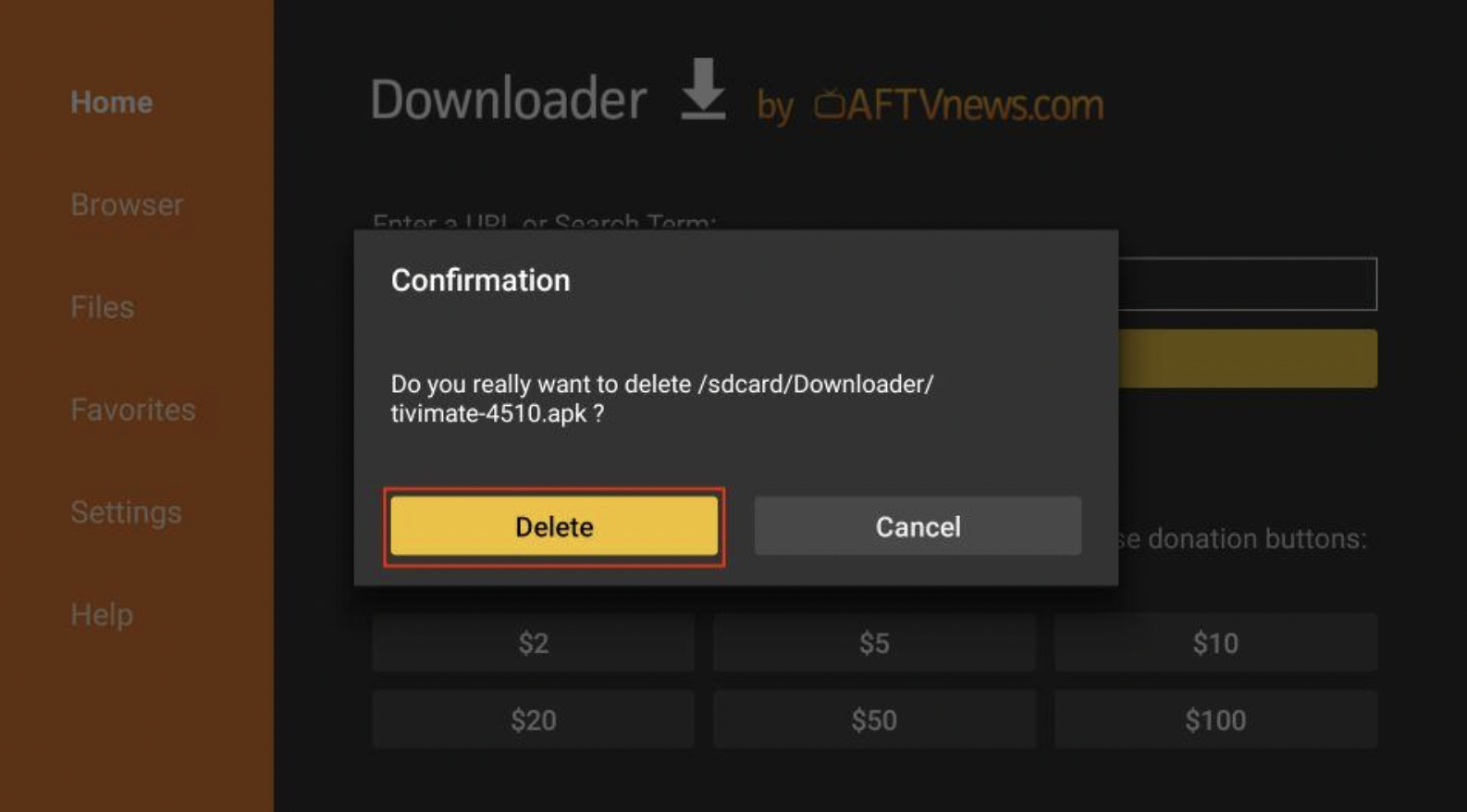
Click Delete once again to complete the removal.
-
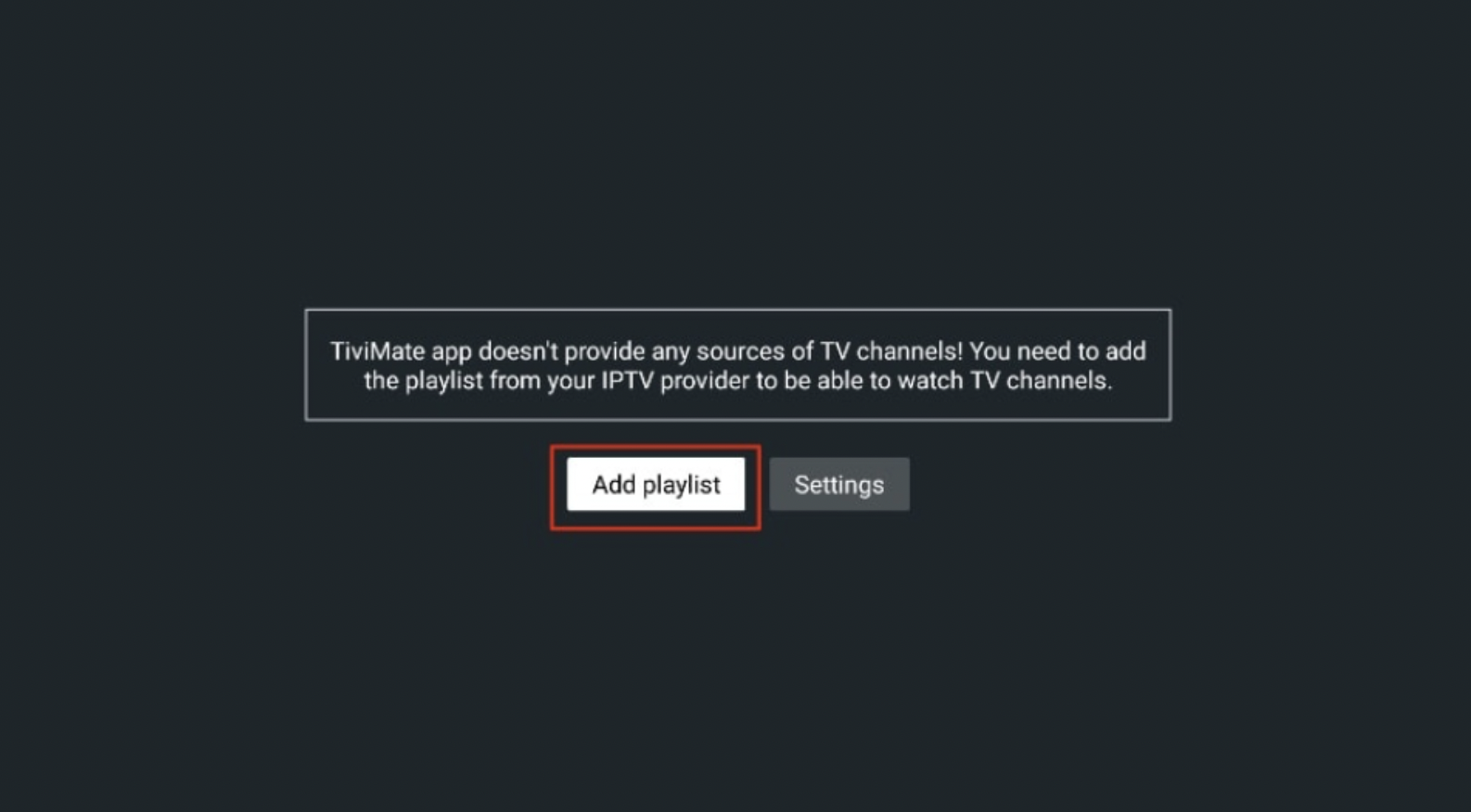
Launch the app and click Add Playlist.
Choose Your Configuration
Select the option that applies to you.
- Xtream Codes: This is the most common choice.
- Stalker Portal: For South Asian and Canadian server customers.
If you are my South Asian server customer, please open a ticket, and I will assist you with the last couple of steps.

Once the app is done communicating with the server, you will be able to navigate through the different options and enjoy the service. 🙂